 LooksBuddy
The intelligence layer for personalized retail
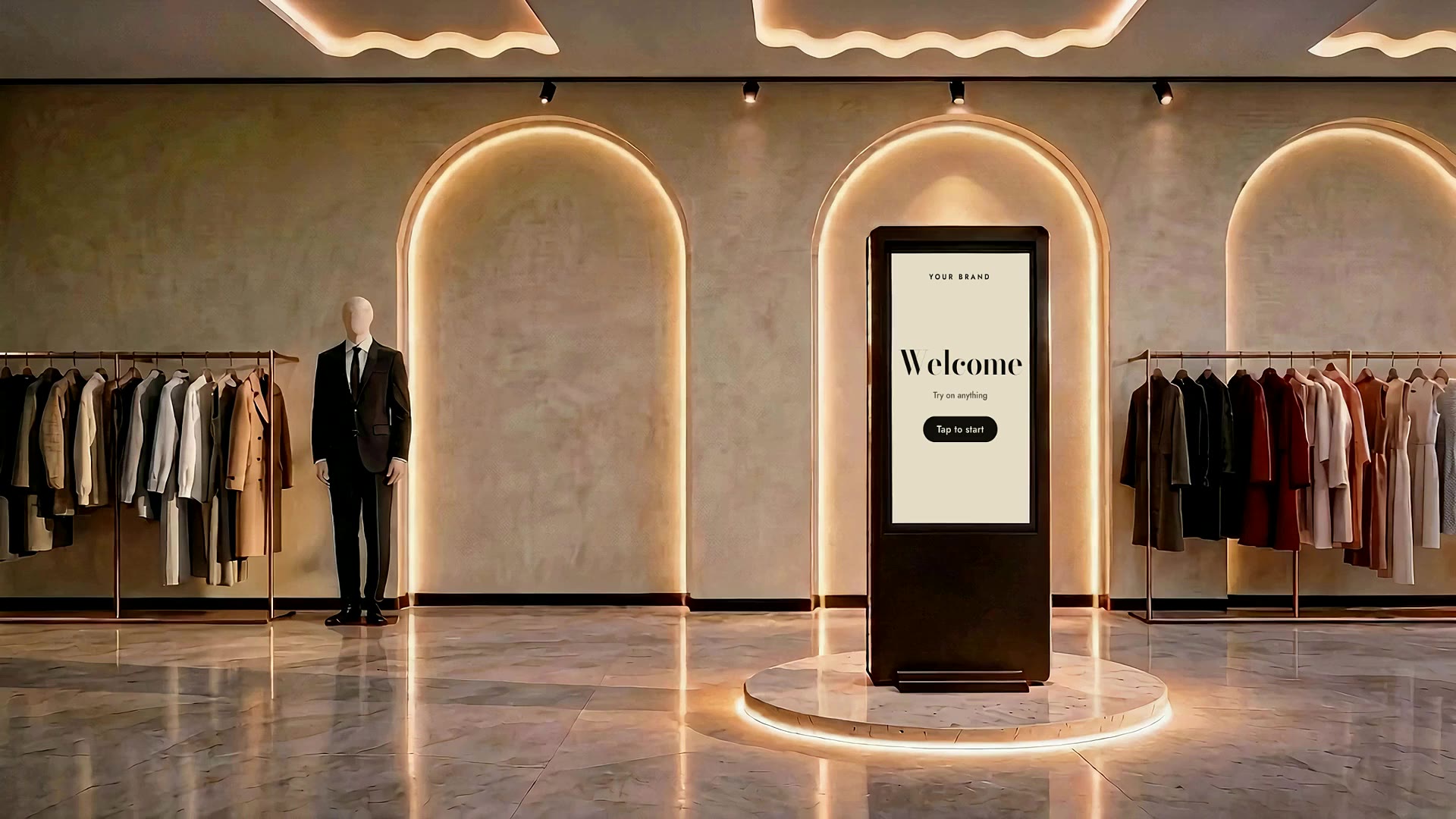
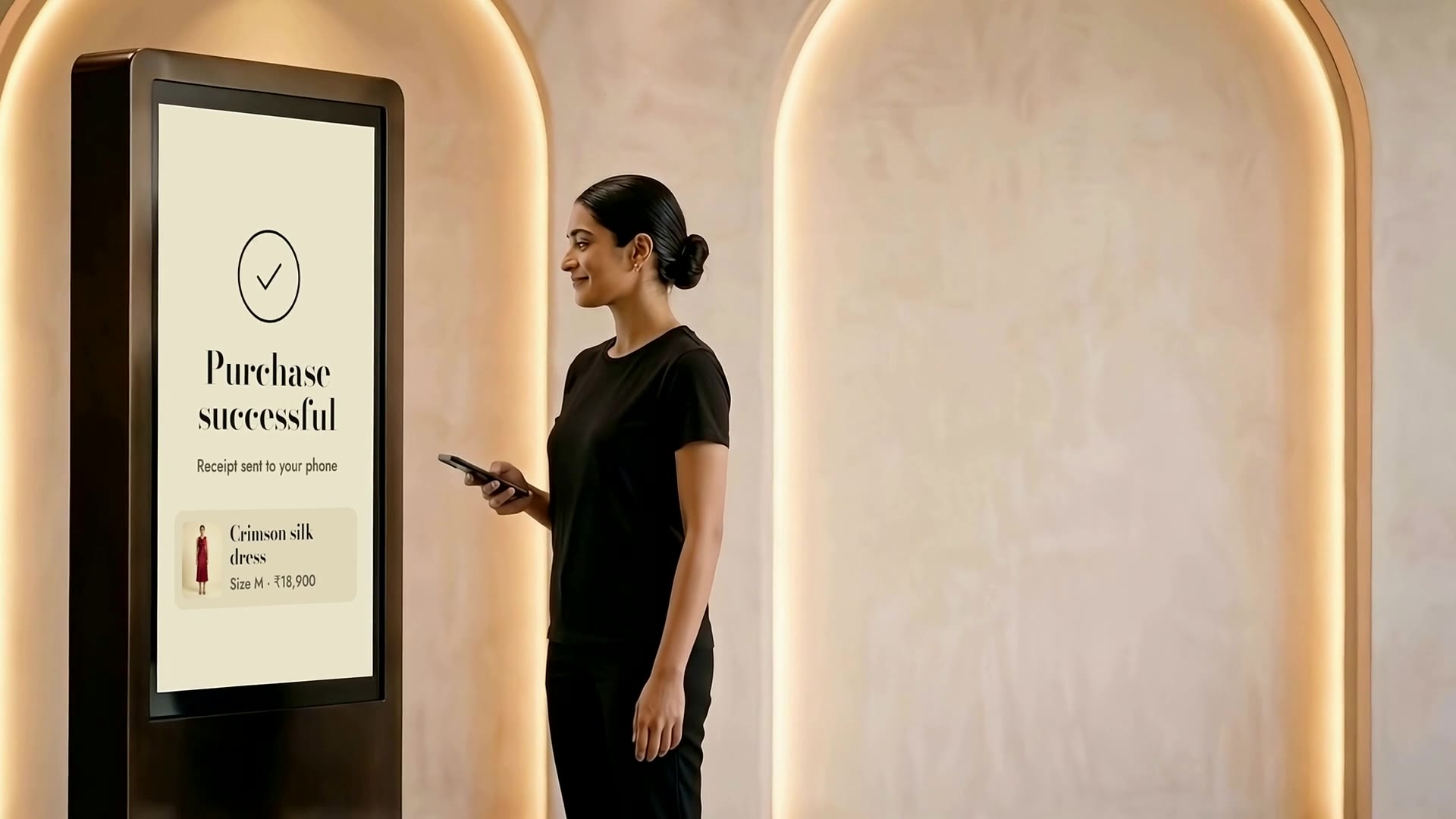
LooksBuddy puts an AI try-on kiosk on your store floor. Shoppers see your catalogue on themselves, get styled into complete looks and pay from their phone, and your store learns from every session.
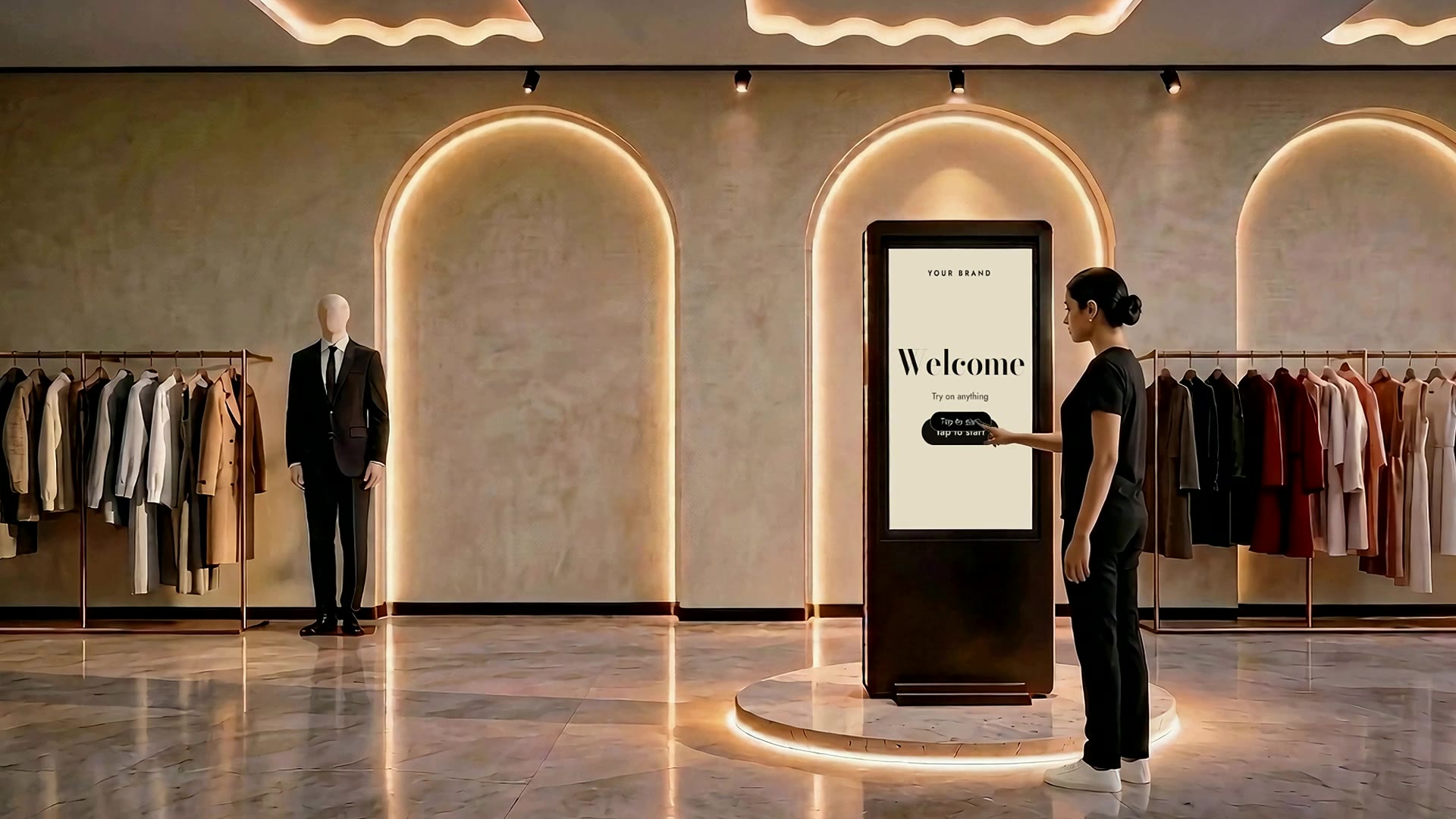
A kiosk that welcomes every shopper.
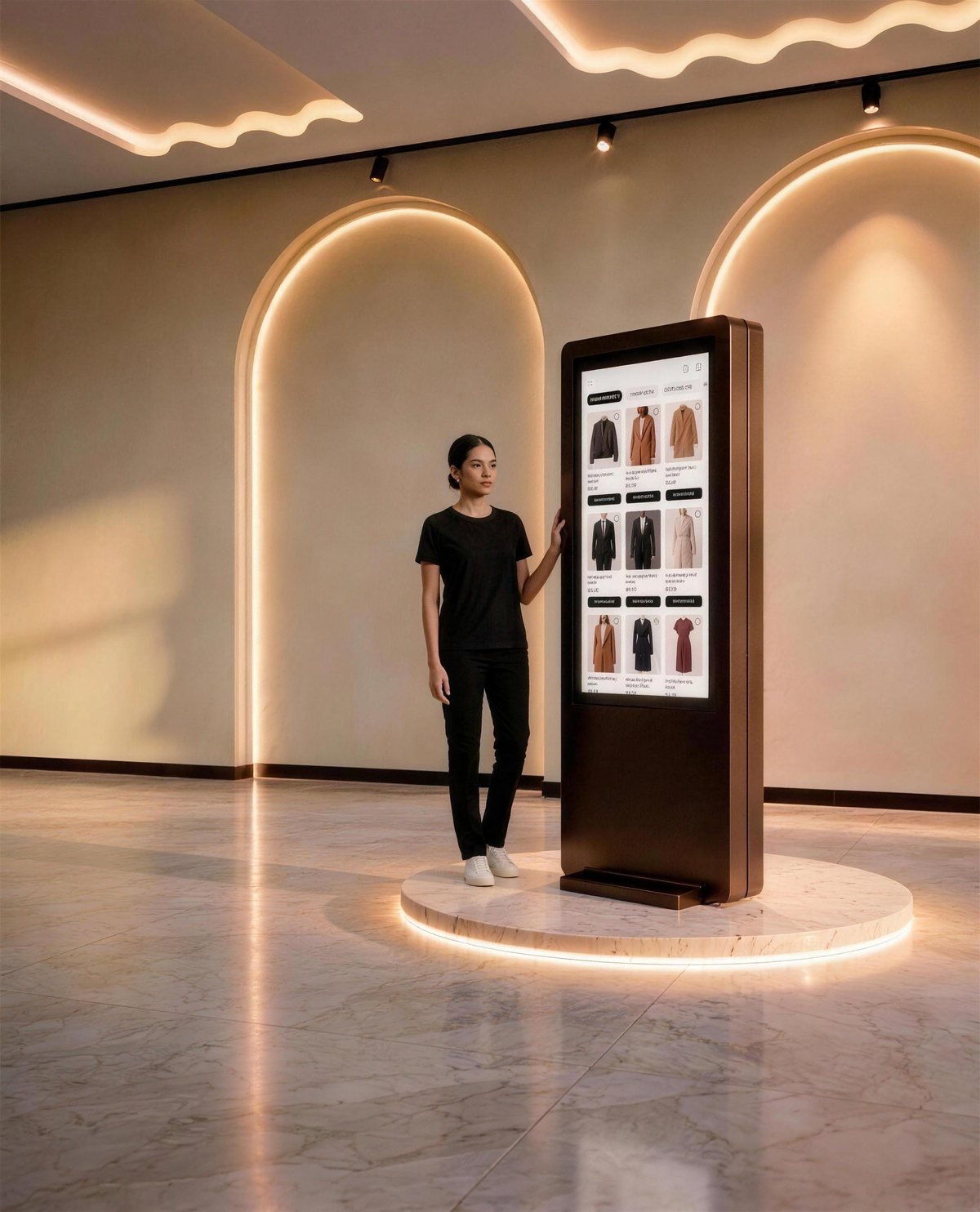
A 43-inch portrait touchscreen in your colours, fonts and logo, placed where shoppers already browse. One tap starts a session, verified with a mobile number and a one-time code.
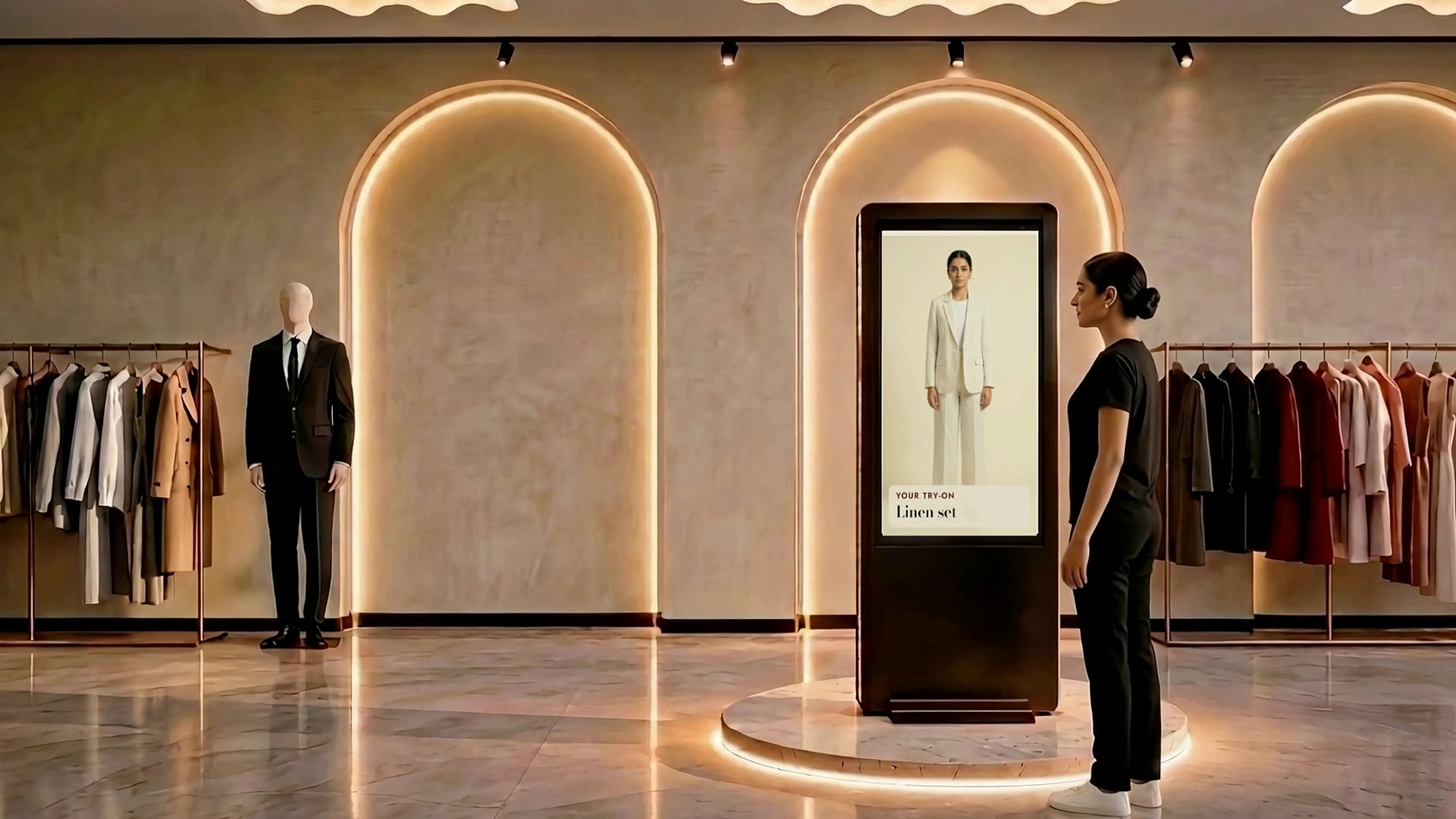
Your catalogue, tried on without a trial room.
Shoppers browse your live catalogue and pick any piece. AI places it on their own photo, so they see how it looks before it leaves the rail.
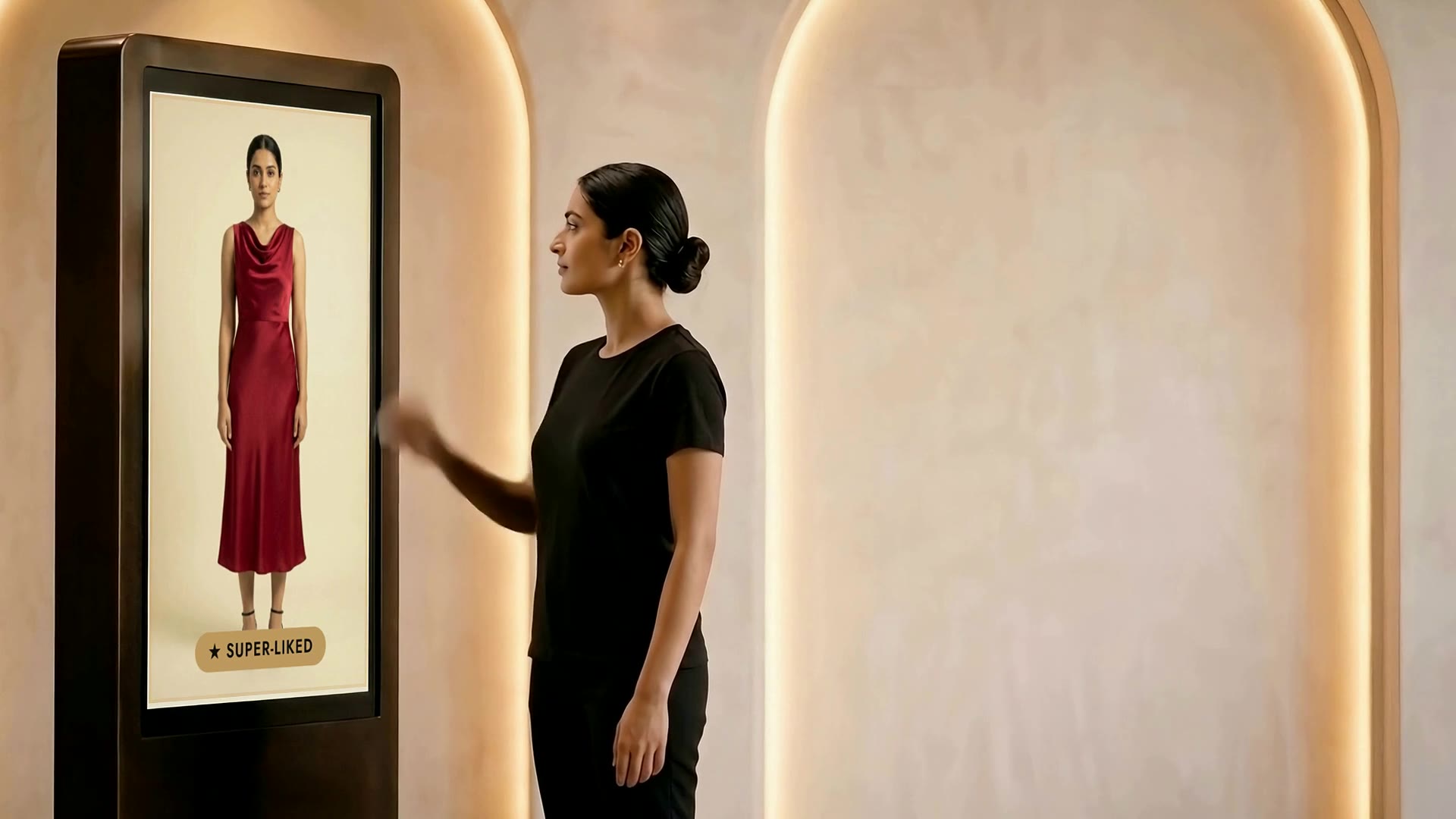
Every swipe becomes a preference.
Shoppers pass, save or super-like each try-on. Every choice is recorded against the session, and Complete the Look builds outfits around the favourites from your own stock.
Checkout at the kiosk, by UPI.
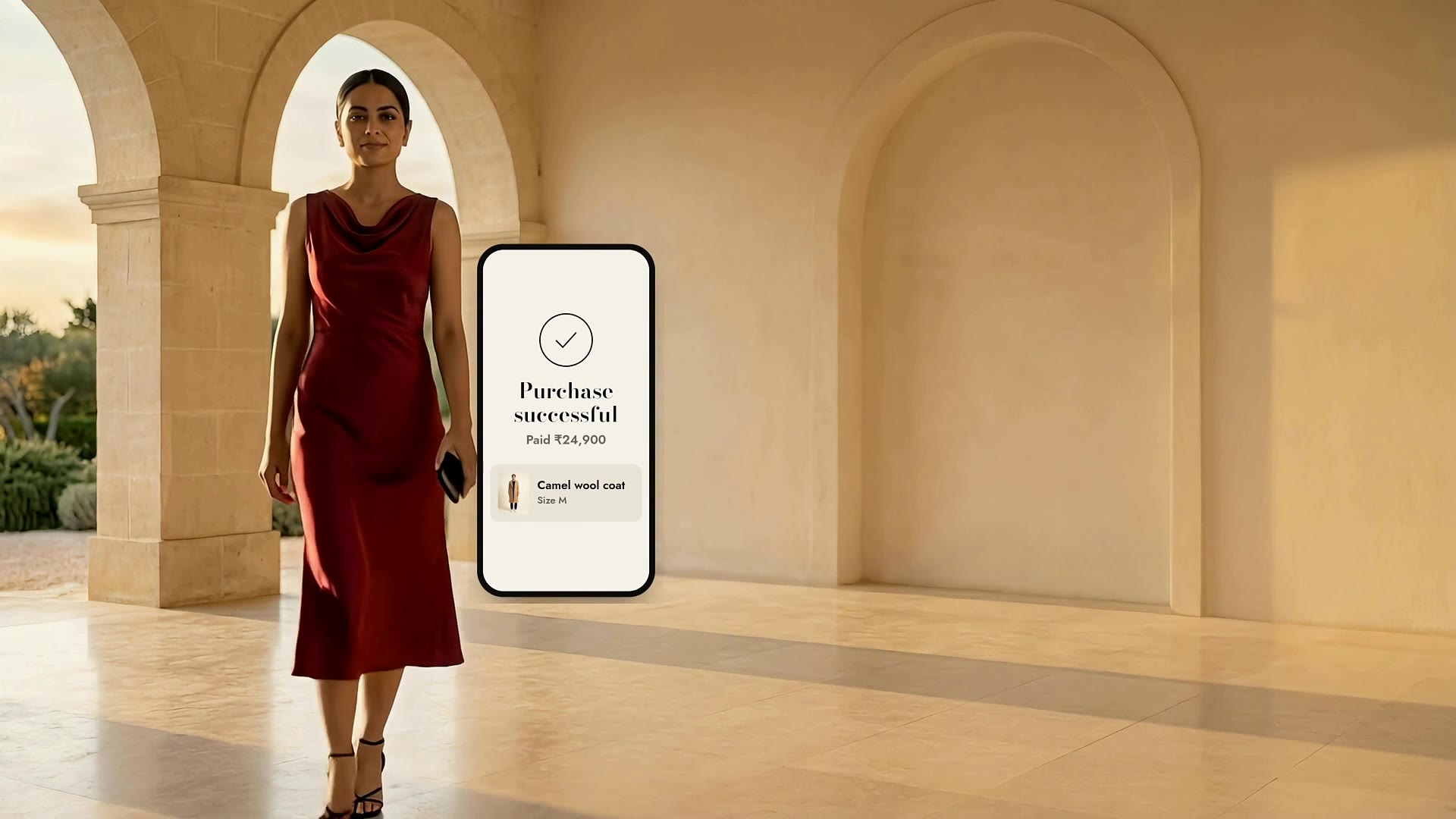
The chosen pieces become the order. Shoppers scan the QR code with any UPI app and pay on their own phone, and the kiosk confirms the payment on screen.
The sale continues after the visit.
Saved pieces stay linked to the shopper’s verified number. Follow up with the exact piece they liked, in their size, ready to buy in one tap from their phone.
Try the kiosk yourself
This is the flow your shoppers see, running on a sample catalogue. Tap through it the way they would on the store floor.
- 1Sign inMobile number and a one-time code. Nothing to install.
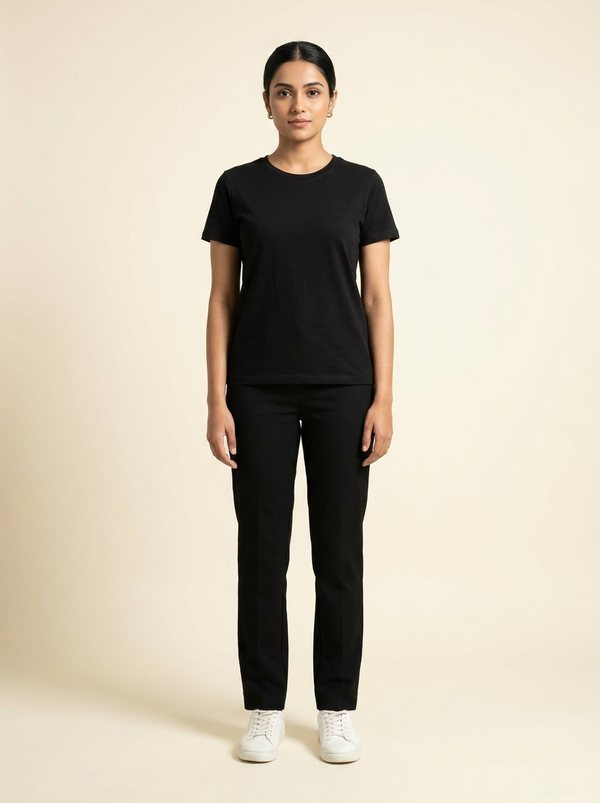
- 2Reference photoOne photo, taken at the kiosk, becomes the base for every try-on.
- 3Pick from the catalogueYour catalogue, with your prices in ₹. Shoppers pick as many pieces as they like.
- 4Swipe through try-onsAI puts each piece on the shopper's own photo. They swipe to compare.
- 5Complete the lookPieces that go together, all from your stock.
- 6Pay by UPIScan to pay on their own phone, then scan again to keep the look.
That's one session on your floor: a verified number, 5 pieces in the bag and a look saved to the shopper’s phone.
Sample catalogue, shopper and prices, for illustration. Images are AI-generated.
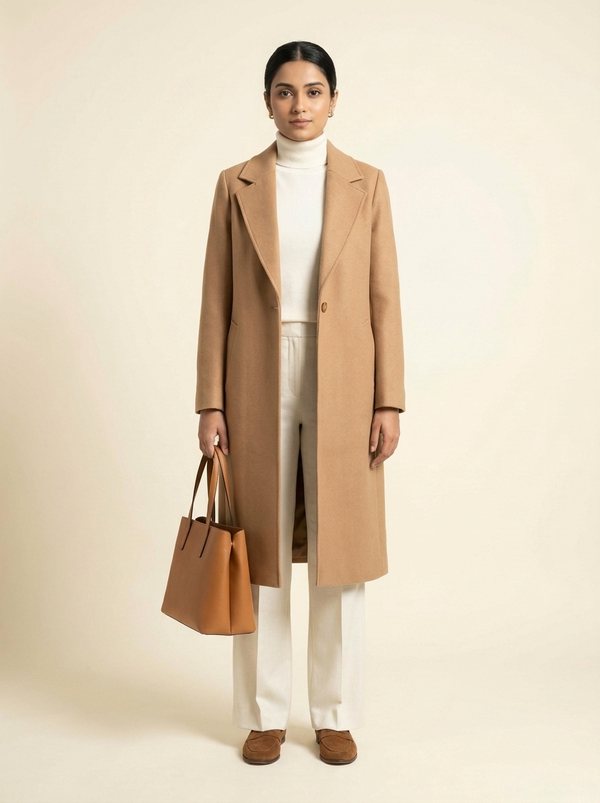
 Fitting the camel overcoat…

What your store gets
The kiosk is designed around the shopper. Every step of the session also works for the store.
- Shopper
- +91 98XXX XXX10, verified
- Tried on
- Camel overcoat, ivory linen co-ord
- Styled
- Overcoat with turtleneck, trousers, loafers, tote
- Paid by UPI
- 5 pieces · ₹50,100
- Saved
- Look saved to the shopper’s phone by QR
Sample record for illustration.
Sessions you can learn from
Each session ties a verified number to what was tried, styled and bought, so you see which pieces get tried and which become a sale.
- A known shopper
- Every session starts with a mobile number and a one-time code. An anonymous browse becomes a named visit.
- More of the rail, tried
- Shoppers try on as many pieces as they like without carrying any of them to a trial room.
- Looks, not single pieces
- Complete the Look builds outfits around the pieces a shopper liked, from your own stock.
Your brand leads. We stay underneath.
The kiosk wears your identity: your colours, your typefaces, your logo. The features stay the same, and LooksBuddy appears only as a small line at the bottom of the screen.
- Your themeColours, fonts and logo swapped in for your store.
- Same featuresSign-in, try-on, styling and checkout work the same under every theme.
- Quiet credit"Powered by LooksBuddy" sits in the footer, nowhere else.
One screen on the floor
A single freestanding kiosk, about the height of a shopper, placed where people already browse. It needs power, an internet connection and a spot on the floor, not a new fitting room.
- Screen
- 43-inch portrait touchscreen
- Resolution
- 1080 × 1920
- Display
- LCD touchscreen, not mirror glass
- Stands
- Freestanding, on the shop floor
- Interface
- English, prices in ₹
- Branding
- Your colours, typefaces and logo
See it in your store
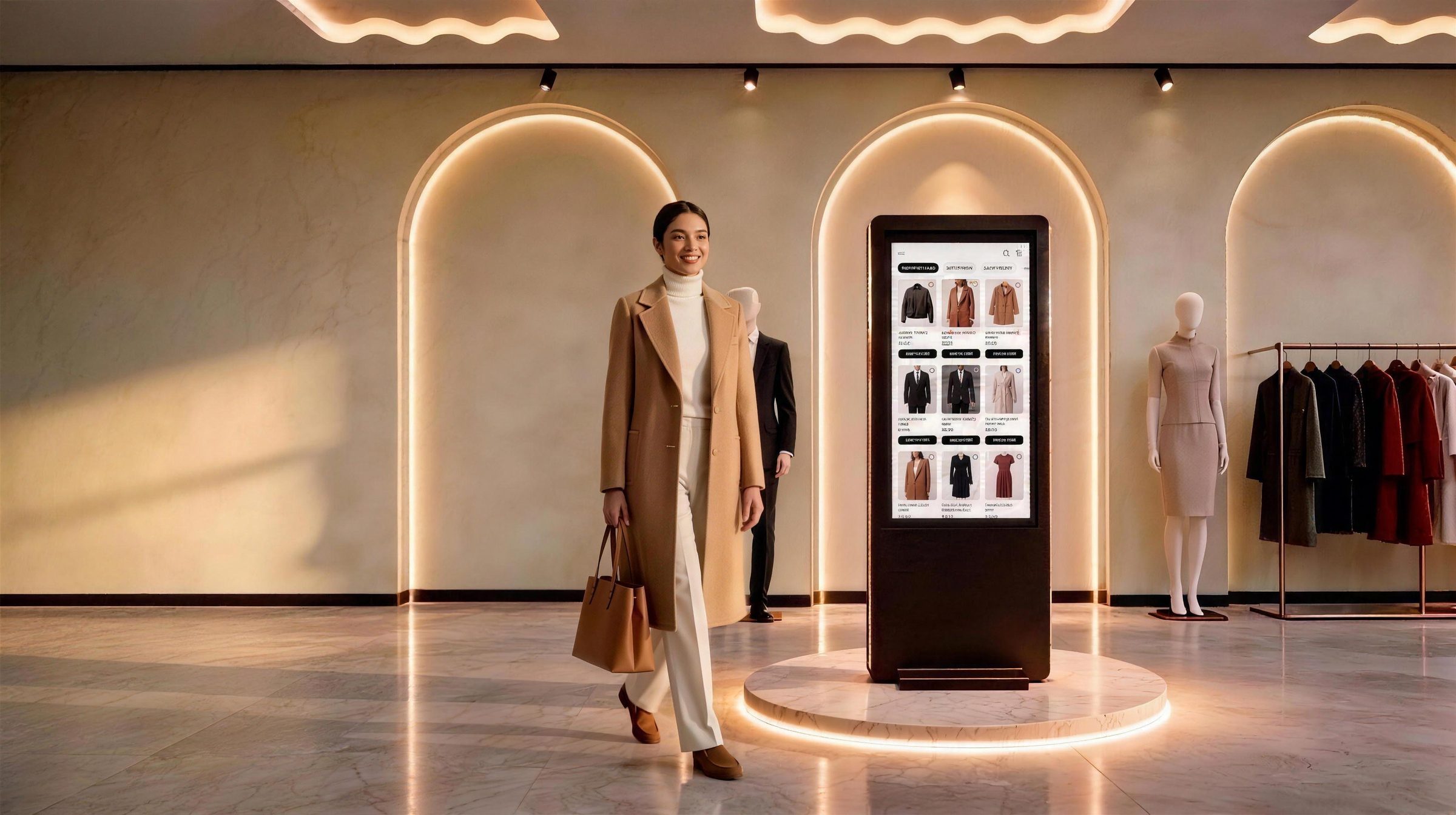
Tell us about your stores and we'll set up a walkthrough of the kiosk with your own catalogue.
- 1A short call about your stores and catalogue.
- 2A live walkthrough of the kiosk in your brand's theme.
- 3A plan for where the kiosk stands on your floor.
Thank you, .
Your request is in. We'll write to to find a time for the walkthrough.